
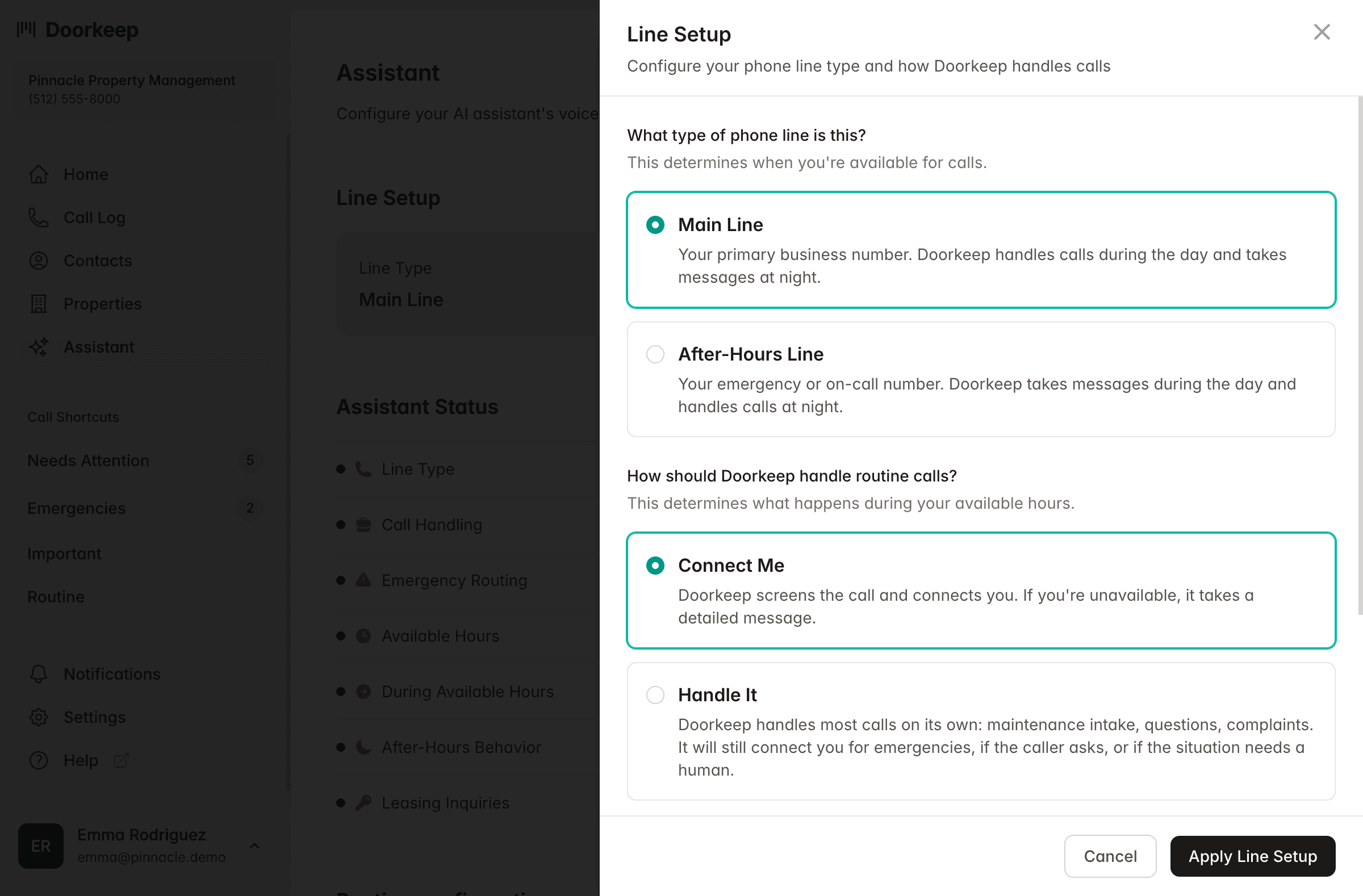
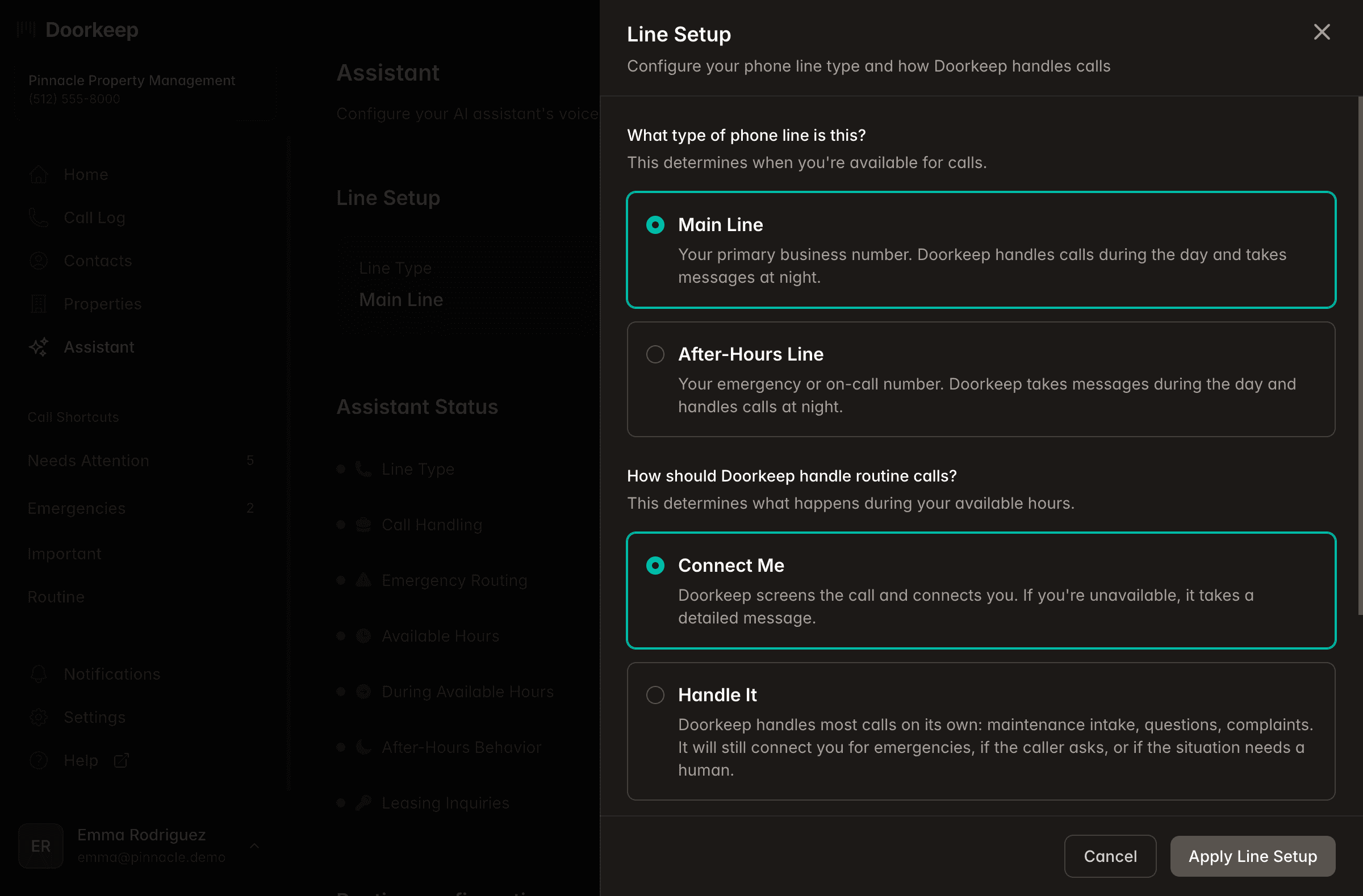
Not every property operates the same way, and Doorkeep shouldn't treat them like they do. The assistant configuration panel lets you define exactly how your calls are handled: whether Doorkeep serves as your main line or your after-hours coverage, and whether incoming calls should be handled by Doorkeep first or transferred to your team first.
Running a solo operation where most calls should be handled without bothering you? Set Doorkeep to handle first. It resolves what it can and only escalates what it can't. Managing a team where leasing calls should always connect to someone? Set it to transfer first. You can configure availability hours, assign different contacts by call type, and change any of it in two clicks. Different properties can have different rules.
Your operation, your workflow. Doorkeep adapts to how you work, not the other way around.
Configure in Settings > Assistant. Changes take effect immediately.
Ready to stop being the answering machine?
Set up your first property in 15 minutes. No contracts. Cancel anytime.
No contracts · 30-day money-back guarantee · 15-minute setup