Your phone stops being your job.
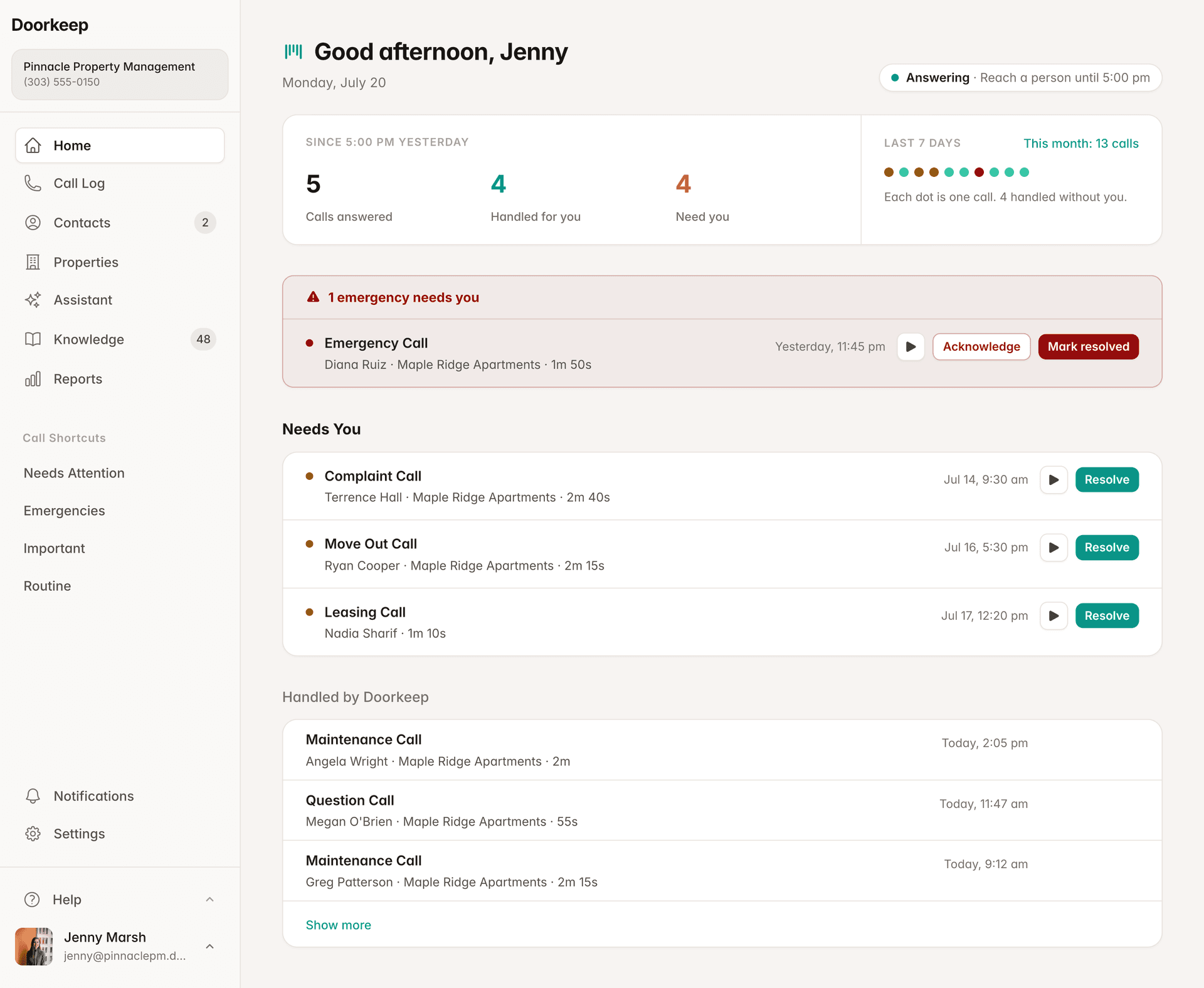
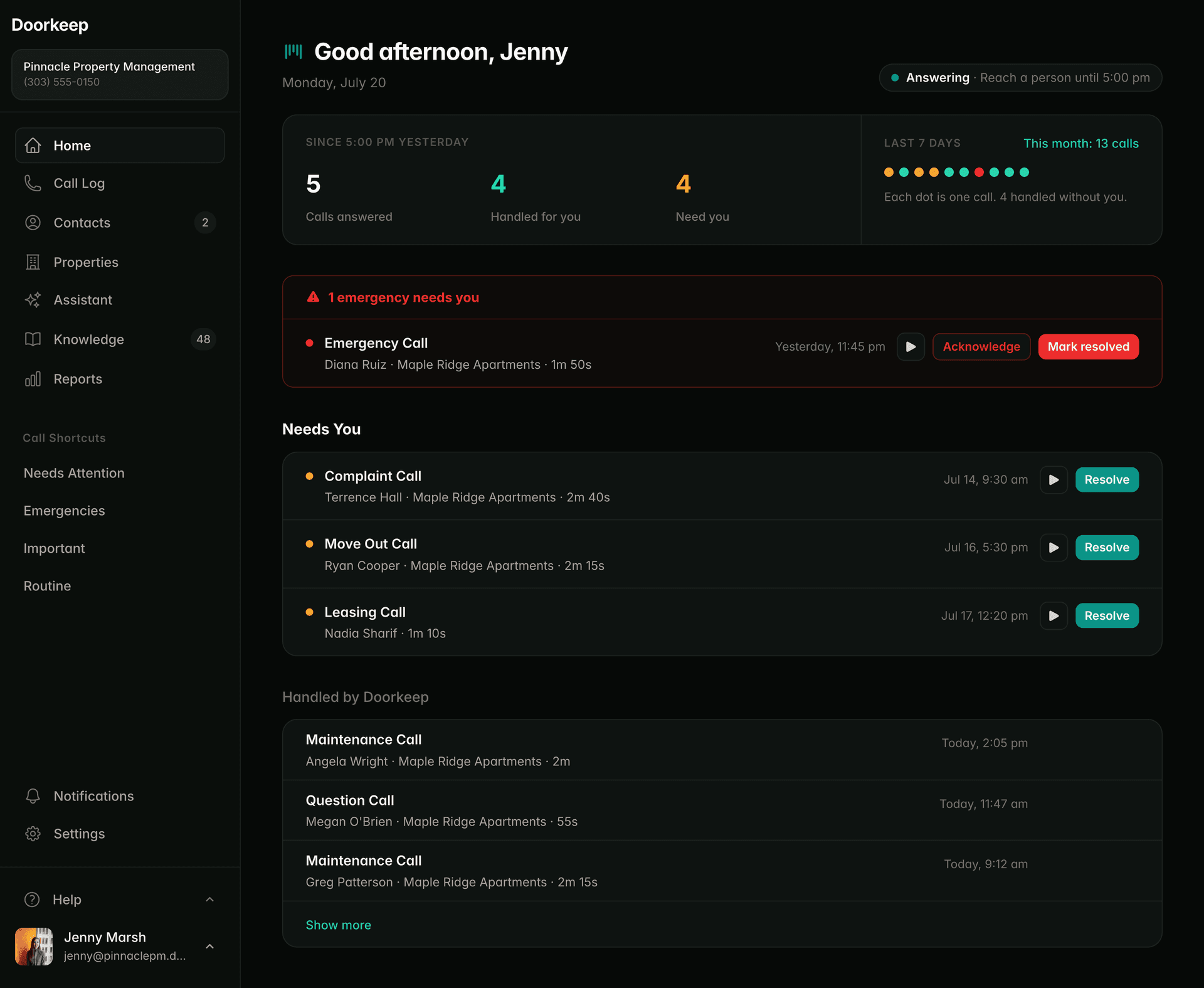
Doorkeep answers every call to your properties, day and night, by property name. The routine gets handled. The calls that need you come with a briefing before you pick up.
One number. Every kind of call.
A chirping smoke detector, a leasing lead, a broken disposal. Same number, each handled by the rules you set for that type.
Smoke detector chirping
A chirp every minute, not a full alarm. Sent to maintenance with the tenant's number.
Transfers are turned off for these samples, so you hear the whole call with Doorkeep and judge the audio for yourself.
Call summary
Live call · 1:13
Smoke detector in Unit 202 chirping about once a minute, not a continuous alarm.
What Doorkeep did
- Chirp vs. continuous alarm checked
- Name, unit, and callback number confirmed
- Sent to maintenance so they can reach the tenant
These are real calls with the Doorkeep agent, placed by Andy, our founder. Recorded live from his phone, on purpose. This is raw phone audio, not a polished studio demo, so there is nothing to hide behind. Callback numbers and other personal details are left out.
Read more in the help center: what Doorkeep does on each call, step by step.
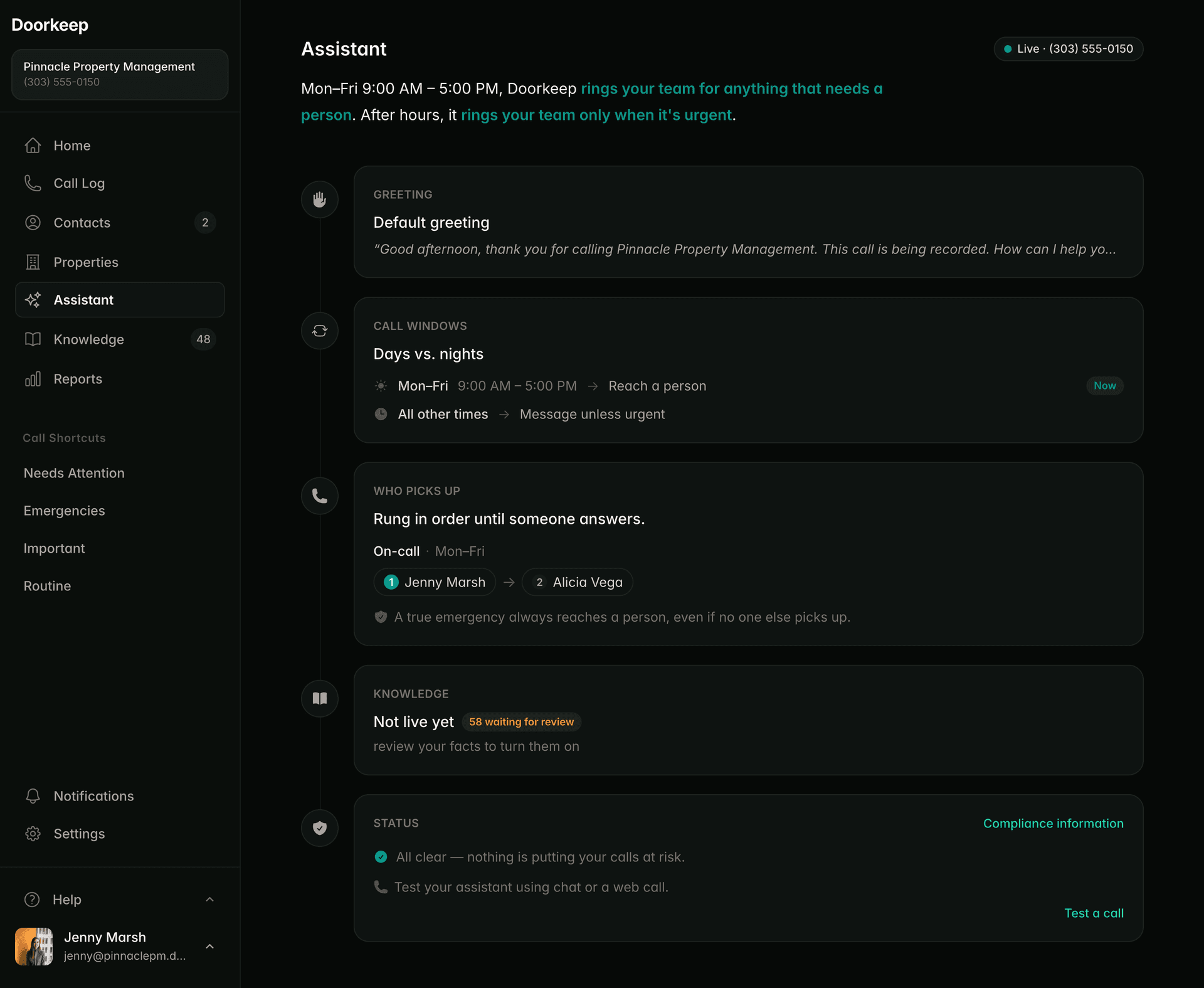
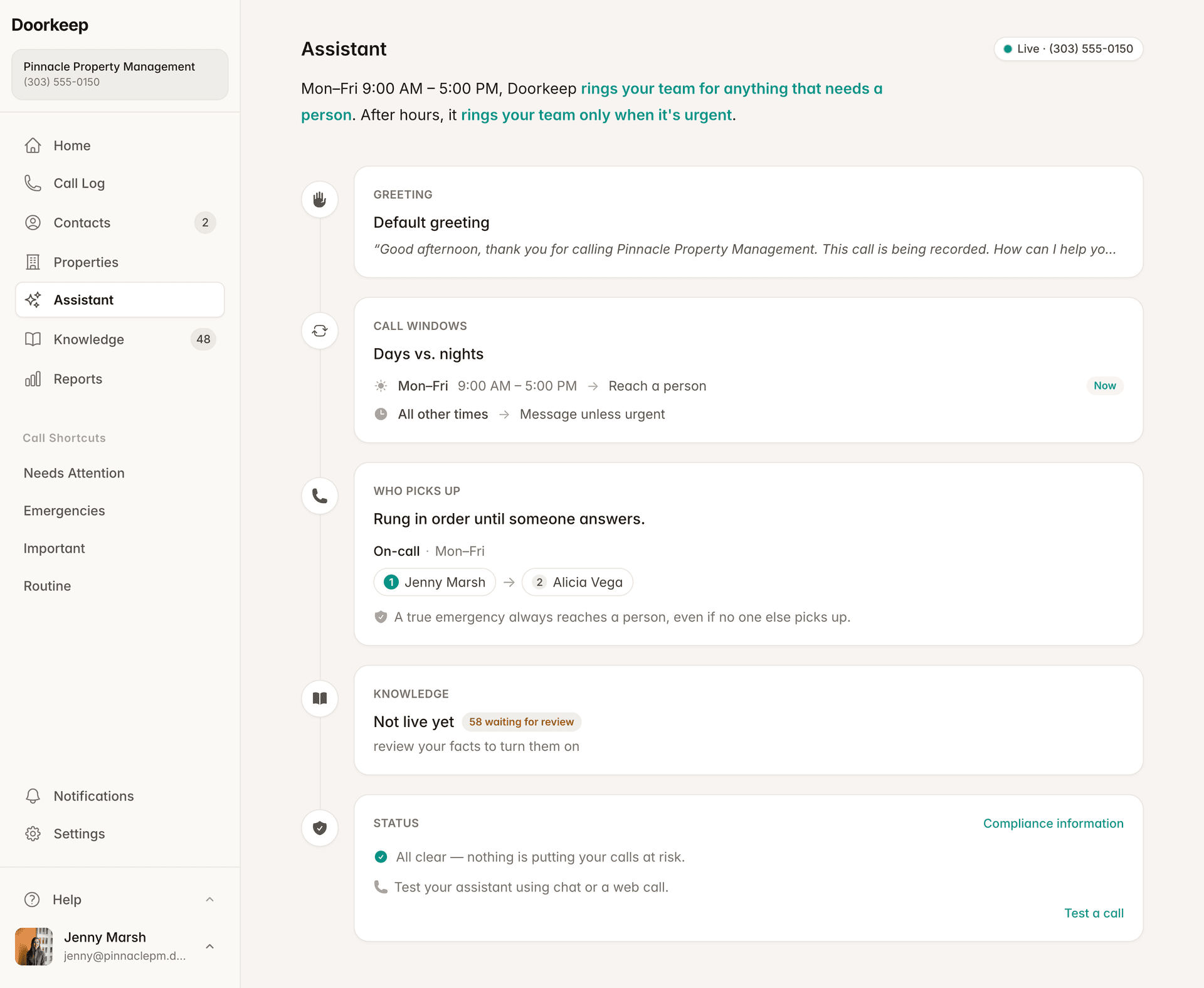
Your properties. Your rules. Your call.
Set the rules for your whole portfolio. Which calls get handled, who to reach when one needs a person, and what you consider an emergency. Routine questions get answered from the knowledge you set up. When Doorkeep detects an urgent problem, it rings your team. If it’s life-threatening, it recommends calling 911, takes the caller’s name, and texts your Call List instead of connecting the call. That can’t be turned off.
When calls come in, and how each window is handled.
Wake up to a summary, not a voicemail backlog.
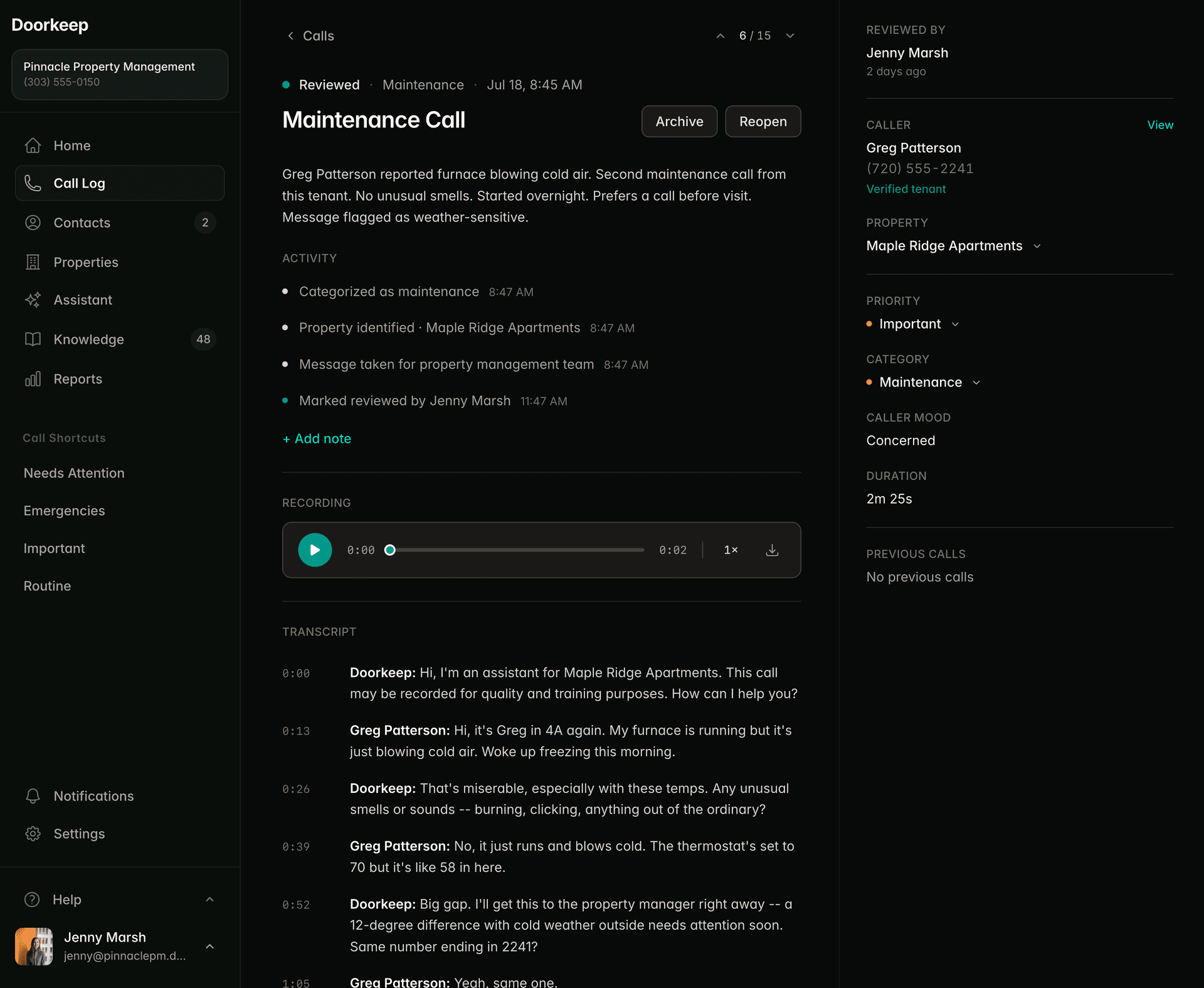
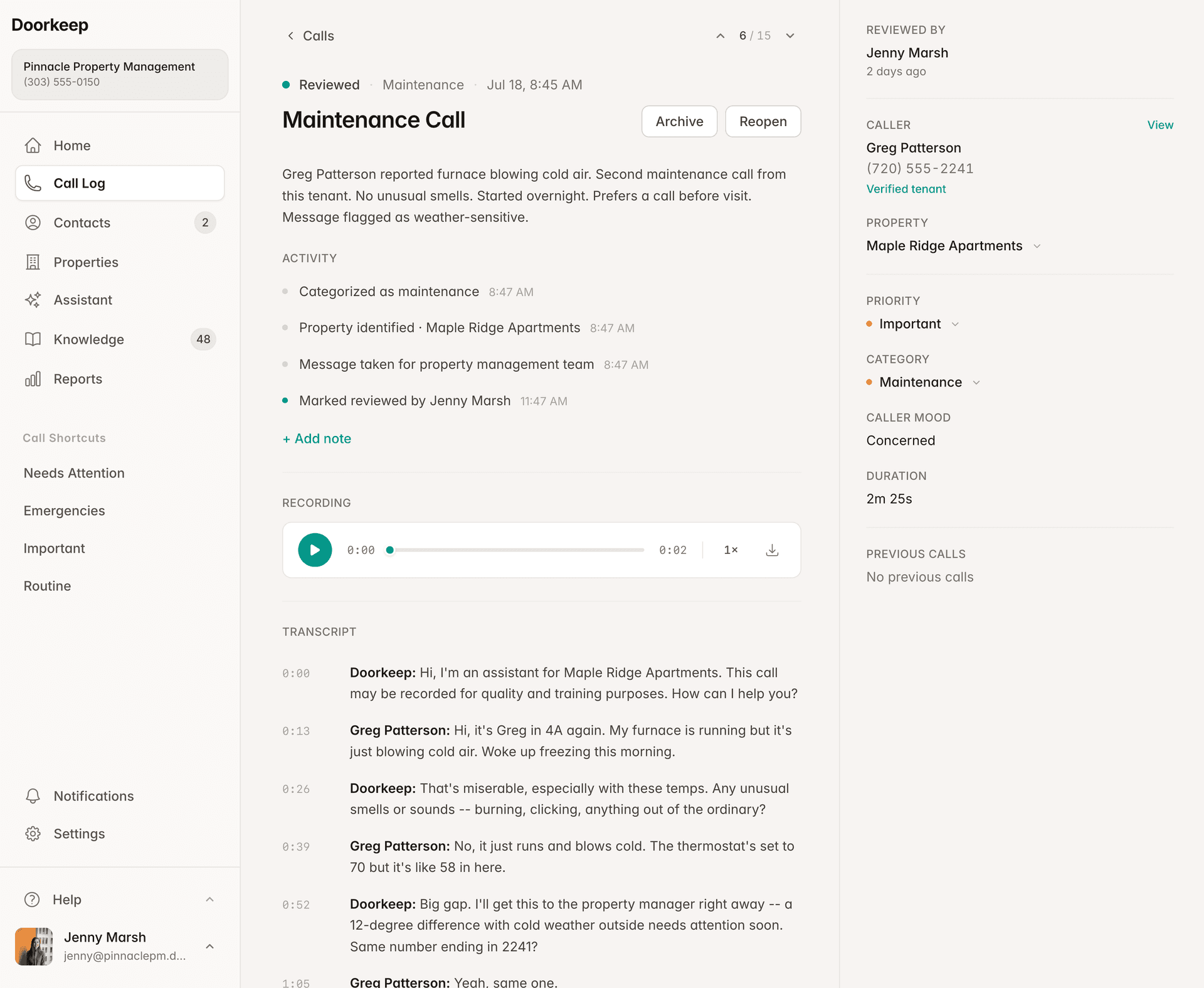
Every call answered, captured, and logged by property. You see what came in, which unit, and who still needs a callback.
Wake up to a summary, not a voicemail backlog. See what was handled and what actually needs you.
Questions, answered.
What full coverage means for your number, your calls, and your team.
Both. Full Coverage answers every call to your main number around the clock, business hours and after hours. During the day, calls that need a person are transferred to whoever you assign, with a briefing first. After hours, routine calls are handled and documented, and real emergencies still ring your team.
Doorkeep briefs you before you pick up. When a caller needs a person, the agent gathers the property, unit, and reason, then transfers to whoever is on your call list and tells them why the tenant is calling. You answer already knowing who it is and what they need, instead of starting cold.
Read more in the help center: how you choose who Doorkeep reaches, and in what order.
Yes. Full Coverage handles every call type on a single number. A prospect asking about a vacancy, a tenant reporting a leak, and a lockout at midnight are each recognized, handled by the rules you set for that type, and logged by property. You decide which types get answered and which reach a person.
Read more in the help center: how you set what happens to each kind of call.
Doorkeep listens for urgent problems on every call, including the situations on your escalation list, and when one is detected it rings your on-call team right away. If it's life-threatening, Doorkeep recommends calling 911, takes the caller's name, and texts your Call List instead of connecting the call. This is the one behavior you cannot turn off.
No. You forward your existing number to Doorkeep, so tenants and prospects keep calling the number they already have. You can forward your main line, a dedicated line, or both. Setup takes a few minutes, and you can turn forwarding off whenever you want.
No. Full Coverage is a way to configure Doorkeep, not a separate tier. It works on any plan. Teams and multi-property portfolios usually want Professional for multi-person call lists and per-property reporting. Figures are on the pricing page.
Start with everything, or grow into it.
Full Coverage is one setup. You can also start narrower and expand later with no reconfiguration. Cover just your evenings and weekends with After-Hours Coverage, or just your vacancies with Leasing, then turn on the rest when you’re ready.
Available for U.S. phone numbers.