
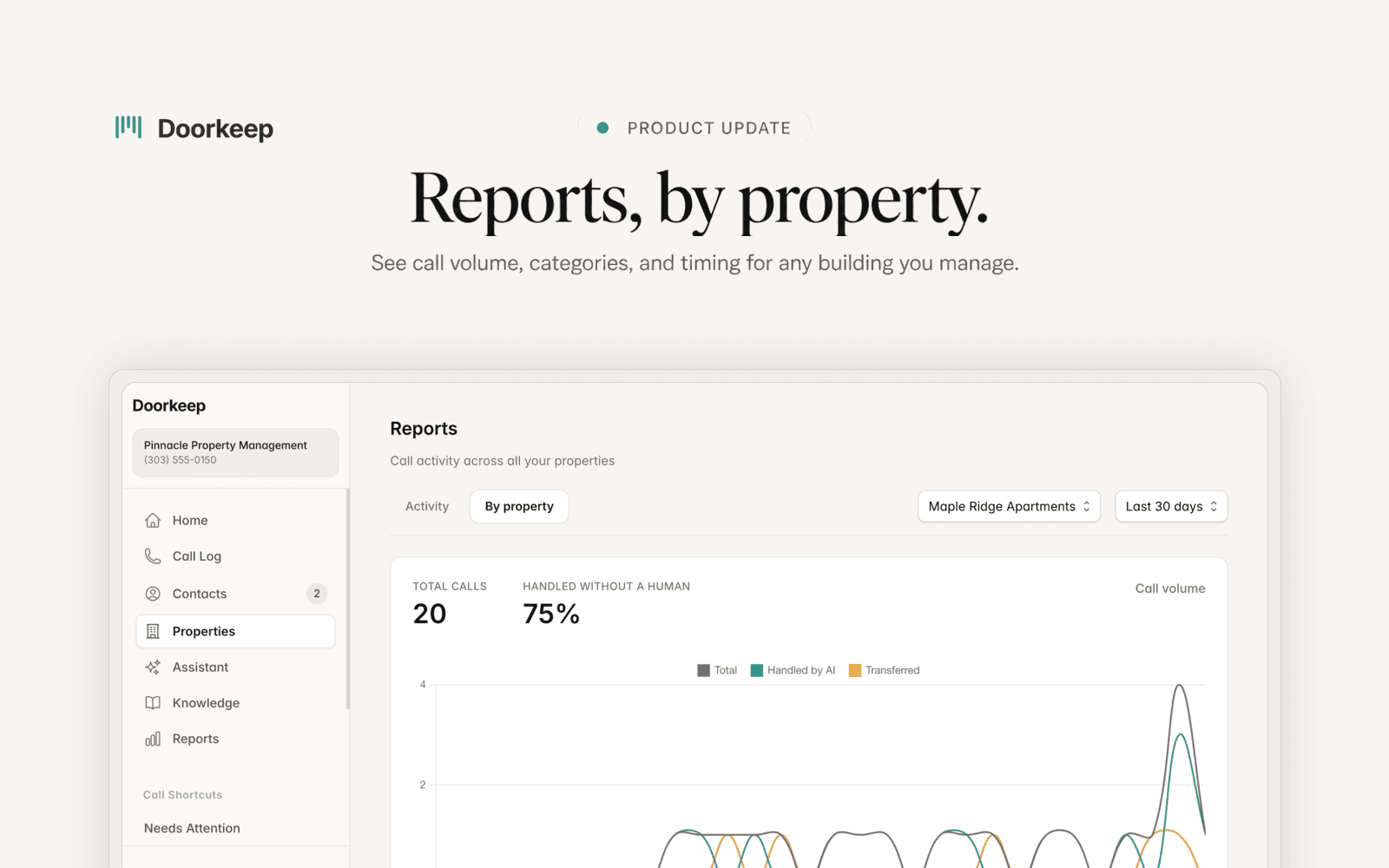
See your call activity broken down property by property.
You manage more than one property. Your numbers should be able to tell them apart.
Doorkeep shows you what is happening across all your calls: how many came in, how many your assistant handled without a person, what they were about, and when they landed. Now you can break all of it down by property. Pick one building and every chart follows it, so you can see where the after-hours calls cluster, which property runs quiet, and where your attention actually needs to go.
See any property on its own. Switch from all properties to a single one, and volume, categories, timing, and priority all filter with it. Stop averaging your busiest building against your calmest.
How much your assistant is carrying. The share of calls handled without a person, so the load coming off your plate is a number, not a feeling.
What people call about. Calls sorted by category, from maintenance and leasing to complaints, questions, lockouts, and payments, so you can see where the volume really sits.
When calls come in. Business hours against after hours, plus volume by hour of day next to your coverage window. Staffing decisions, backed by your own numbers.
How urgent it was. Routine, important, and emergency side by side, so a busy week is something you can actually measure.
Reports by property is part of Doorkeep Pro.
Want to see this on your own calls?
Book a walkthrough and we'll set up your call windows, contacts, and knowledge together. That's me on the call, not a rep.
Available for U.S. phone numbers. Monthly or annual billing. Cancel anytime.
Fair Housing guardrails · Recording disclosed on every call · Emergency detection and escalation