
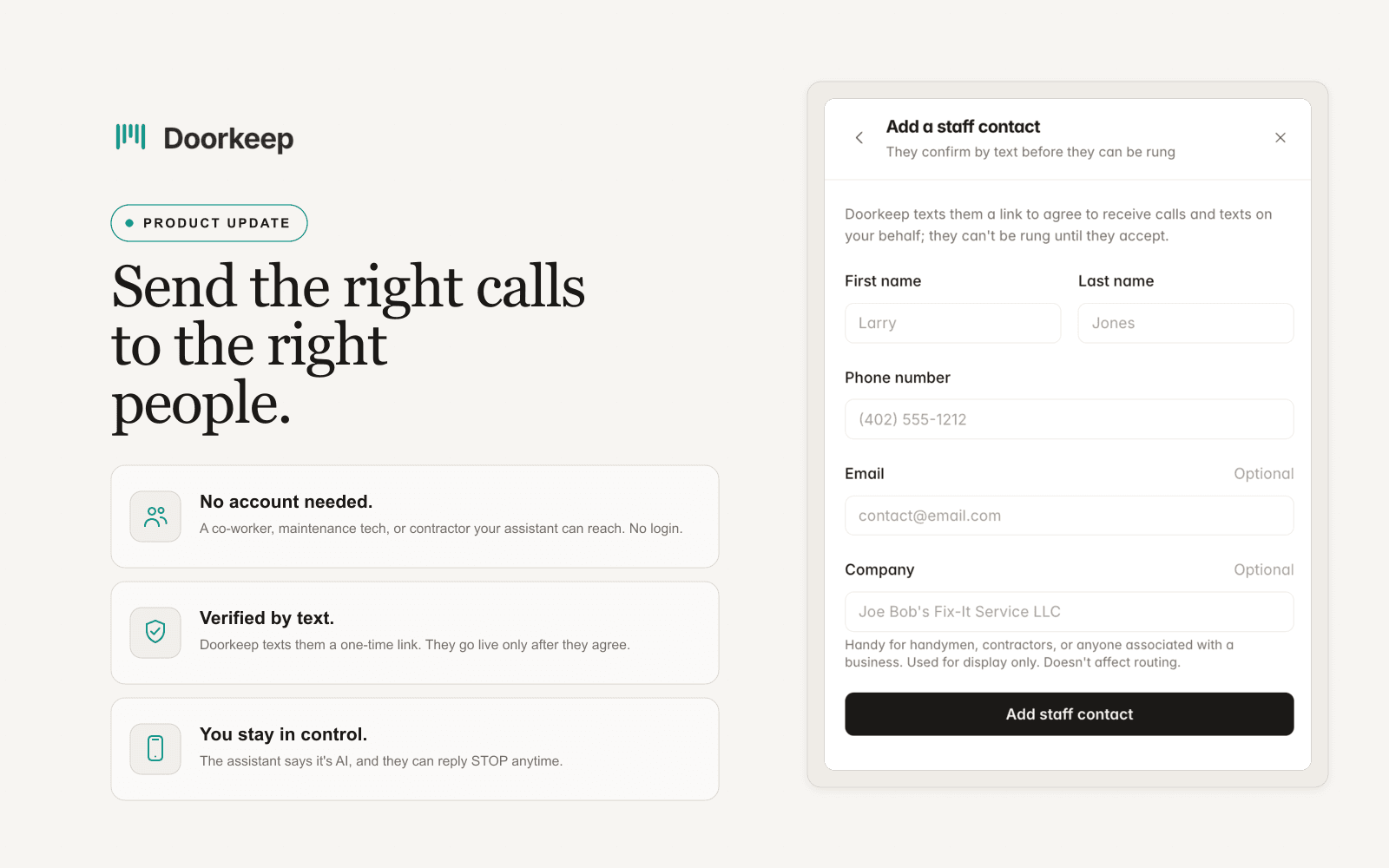
Add a trusted person to your call lists without giving them a login.
Your maintenance tech should be able to take after-hours calls. That doesn't mean they need a login to your account.
Some of the people who answer for you aren't on your team in the software sense. A weekend maintenance tech, a contractor, a part-time helper. You want your assistant to reach them when a call needs a person, but you don't want to hand out an account, and they don't want one. Staff Contacts is for exactly that.
Add someone without giving them an account. Name, phone, and optionally their email or the company they work for. No login, no seat, no access to your dashboard. The company field is there for handymen, contractors, or anyone tied to a business.
They opt in before they can be rung. Doorkeep texts them a one-time link. They tap it, agree to receive calls and texts on your behalf, and only then do they show up as verified and available to your assistant. Until they confirm, your assistant can't ring them.
They stay in control. When your assistant connects a call, it says it's AI. Calls may be recorded where the law allows. And they can reply STOP at any time to stop receiving calls and texts.
Then add them to a call list. Once verified, they ring in order alongside everyone else on that list.
Staff Contacts is part of Doorkeep Pro.
Want to see this on your own calls?
Book a walkthrough and we'll set up your call windows, contacts, and knowledge together. That's me on the call, not a rep.
Available for U.S. phone numbers. Monthly or annual billing. Cancel anytime.
Fair Housing guardrails · Recording disclosed on every call · Emergency detection and escalation