
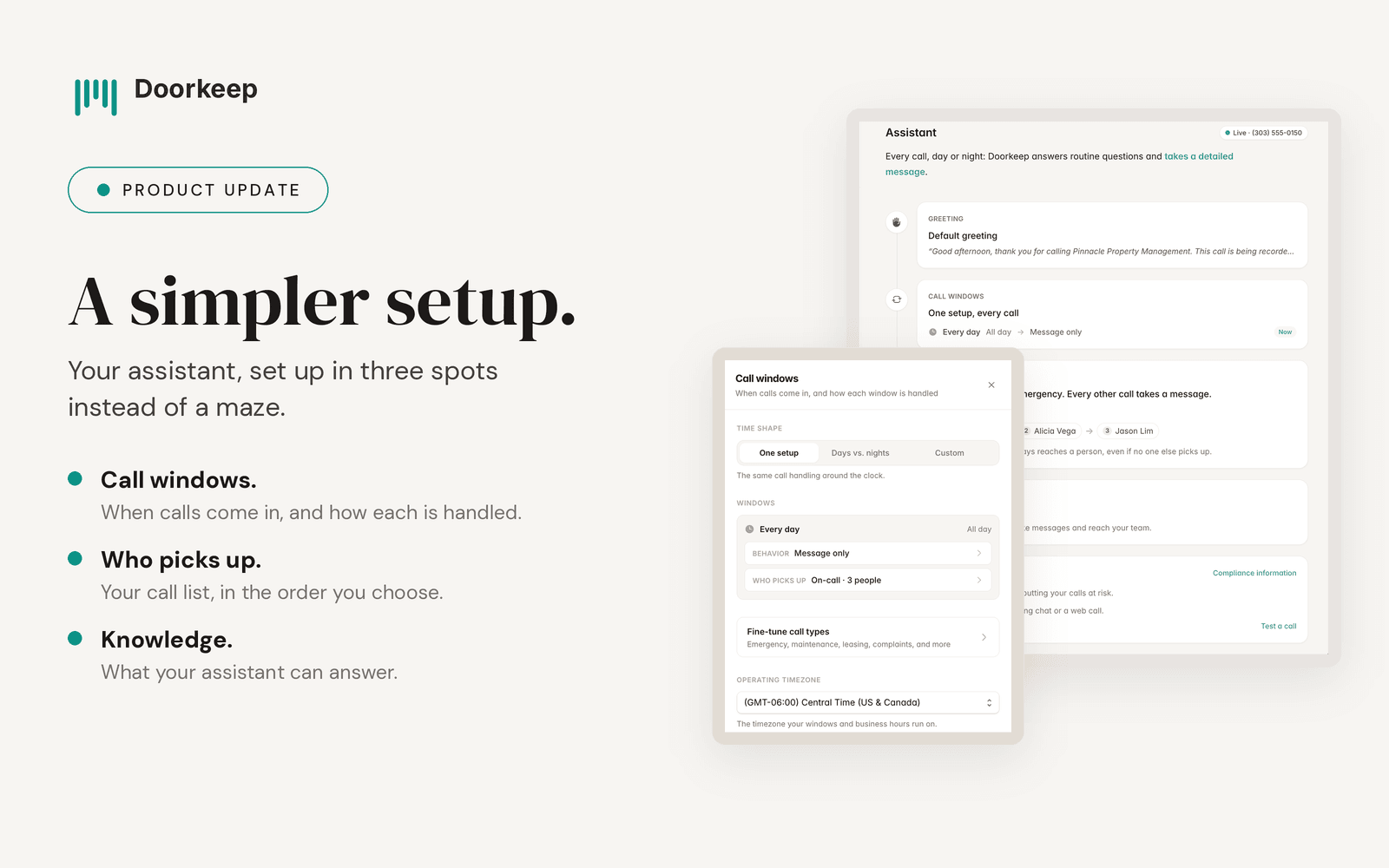
Setup used to be a maze. Now it is three spots.
Setting up your assistant used to mean clicking through a maze. Now it is three spots you can read in a minute.
The old setup was built around lines. Every line had its own settings and its own contacts, so one small change meant hunting through screens and hoping you caught them all. It was hard to tell what your assistant would do, when it would do it, and who it would reach. We took that apart. Setup is now three spots, and each one answers a plain question.
Call Windows: when calls come in, and how each one is handled. Keep one setup around the clock, split days from nights, or build your own windows. Each window either reaches a person, takes a message unless it's urgent, or just takes a message.
Who Picks Up: who the assistant reaches. Choose the person who should answer, and swap them whenever you need. No more digging through per-line contact lists.
Knowledge: what your assistant can answer. Add your property details and the questions it should field, review what it learned, and turn it on when you're ready.
One thing you never set up: when Doorkeep detects an urgent problem, it rings your team. On a life-threatening call it recommends calling 911 and texts your team instead of connecting the call. That stays on, always.
The simpler setup is rolling out to accounts over the coming weeks. If yours still shows the old layout, it will update soon, and how your calls are handled does not change in the meantime.
Want to see this on your own calls?
Book a walkthrough and we'll set up your call windows, contacts, and knowledge together. That's me on the call, not a rep.
Available for U.S. phone numbers. Monthly or annual billing. Cancel anytime.
Fair Housing guardrails · Recording disclosed on every call · Emergency detection and escalation