
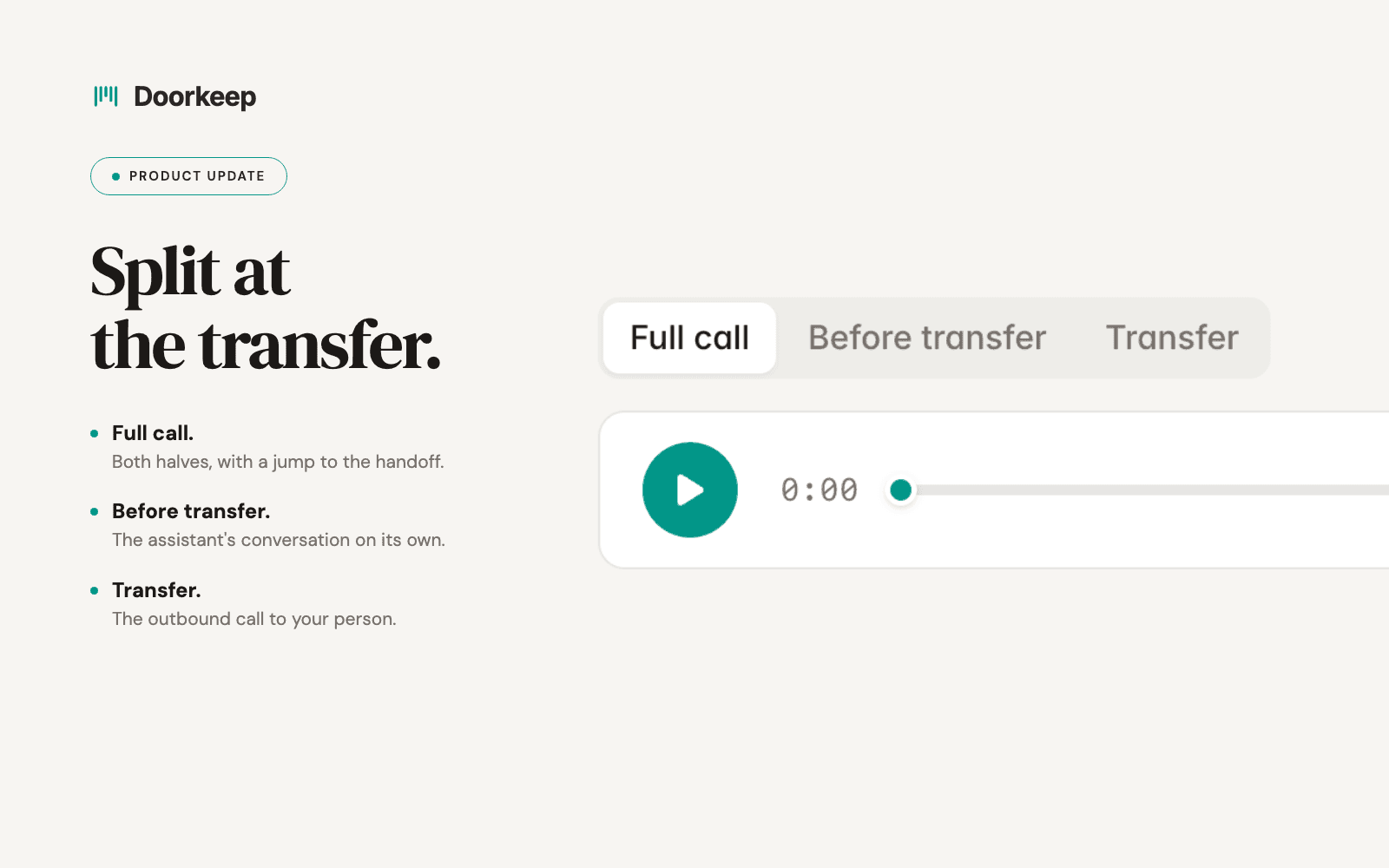
Hear the assistant's part of a call, the transfer, or the whole thing.
A transferred call has two halves. Until now, hearing the second one meant scrubbing through the first.
Every Doorkeep call is recorded. When the assistant hands a caller to a person, that single file holds the assistant's conversation and everything your staff member and the caller said afterward. Finding the part you wanted meant dragging a progress bar and guessing. Doorkeep now splits the audio at the handoff, so the call detail page carries three recordings instead of one.
Before transfer is the assistant's conversation on its own. It ends the moment the handoff begins. When a tenant says they reported the leak on Tuesday, this is what settles it. It is also the cleanest way to hear what the assistant asked and what it captured.
Transfer is the outbound call to your person. It opens with the assistant briefing them, then the caller is connected. You hear the briefing and everything your tech and the tenant said after it.
Jump links land you in the right spot. Playing the full call, you get a link to the transfer point. Playing the transfer, you get one that skips the briefing and lands where the caller comes on.
Each recording downloads on its own. Attach the transfer to a work order without handing anyone the whole call.
Split recordings are live for every account, starting with calls that come in from today.
Want to see this on your own calls?
Book a walkthrough and we'll set up your call windows, contacts, and knowledge together. That's me on the call, not a rep.
Available for U.S. phone numbers. Monthly or annual billing. Cancel anytime.
Fair Housing guardrails · Recording disclosed on every call · Emergency detection and escalation